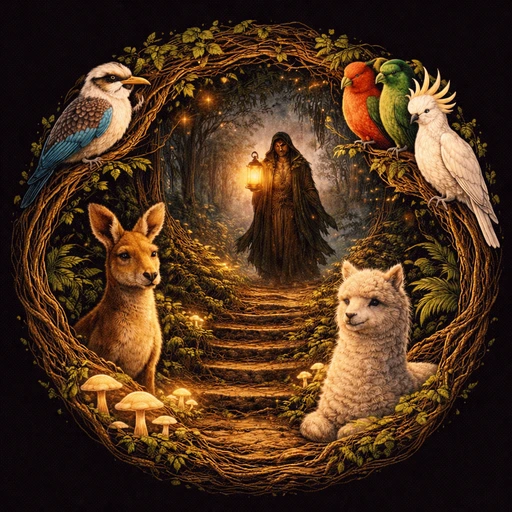
Horde Polish, Menu Facelift, and Quest Blueprints
Horde mode got a proper coat of paint. Buildings now have south-facing wall quads so the barricades read as solid structures instead of floating rooftops. A bonfire, lanterns, and campfires light the central plaza, and the whole mode runs in full daylight so you can actually see what’s eating you.
The menus have been restyled from top to bottom. IM Fell English headlines, gold and green toggle buttons, large touch-friendly layouts on Android, and a simplified Create Game screen that generates random game names so nobody has to type on a phone keyboard. Pinch-to-zoom landed on Android too; same smooth camera as the desktop scroll wheel.
Behind the scenes, the quest engine design doc lays out the next chapter: an event-driven architecture with persistent state, NPC disposition, dialogue trees, and area triggers. The Lua API reference now covers every command in one place, and the LuaCATS definitions keep VS Code happy while you write scripts.
- Added event-driven quest engine design doc (
docs/lua_quest_engine.md): persistent quest state, event bus, NPC disposition, dialogue choices, area triggers, and phased implementation plan - Added Lua API reference doc (
docs/lua_api.md): complete command reference for game commands, bot control, music, composition, and quest scripting - Added
zoom()to LuaCATS definitions (scripts/defs/blight.lua) fixing VS Code undefined-global warnings - Redesigned desktop Create Game screen: IM Fell English title, gold/green tap-to-toggle mode checkboxes, shared layout struct for draw and click hit-testing
- Added horde mode building wall faces:
TerrainRenderer.DrawArcWallFaceswalks each closed barrier polygon and draws south-facing wall quads directly from edge geometry - Added
TextInput.Drawscale and label colour parameters so menu fonts can be used at arbitrary sizes with correct padding - Added Lua
zoom([level])console command to read or set camera zoom;Camera.SnapZoom()bypasses smoothing for instant test framing - New
scripts/tests/horde_roof_test.luafor horde inner-ring roof and wall-face screenshots - Rewrote README opening line as a tagline-style pitch (pub, blight, chickens, chaos)
- Added
docs/mudberry.mdcollection of Mudbury taglines and voice notes - Added Resinhead Games branding assets under
media/(banner, jesus, tarot, youtube, logo) - Reorganised TODO: moved “Stuff Ken cares about right now” below completed items and added automate-android-release, desktop create-game polish, and join-game review tasks
- Restyled menu buttons with IM Fell English font and gold/green theme across all platforms
- Android menu layout: large touch-friendly buttons on the left, banner centred
- Simplified Android Create Game screen: random game names, tap-to-toggle mode checkboxes, no keyboard required
- Added central plaza lighting for horde mode: bonfire, lanterns, and secondary campfires
- Fixed roof backing fill drawing as visible brown squares around buildings
- Custom app icon for desktop and Android (generated from logo artwork)
- Added pinch-to-zoom on Android (same smooth zoom as scroll wheel on desktop)
- Switched horde mode to full daylight; light map is now only applied in quest mode